








Why Python for Trading?
Python has become the dominant language for quantitative trading research. Its readability, extensive library ecosystem (pandas, NumPy, scikit-learn, ta-lib, statsmodels), and active community make it ideal for data exploration, indicator research, and prototyping trading ideas. Python lets you express complex signal logic in a few lines of readable code, making it the natural first choice for traders moving from discretionary to systematic approaches.
But there’s a critical distinction between using Python for signal research and using Python as a complete trading infrastructure. The former is where Python shines. The latter is where most traders get stuck.
Where Python Alone Becomes a Bottleneck
A full Python trading stack means writing and maintaining your own backtester, handling data alignment and survivorship bias, building robustness tests (Monte Carlo, noise, permutations), creating execution adapters for each broker, managing positions and ticker changes, and handling logs, errors, and edge cases. For many traders, this becomes engineering work instead of trading research — it takes all the enjoyment out of the creative process of signal discovery.
The cost isn’t just time — it’s also reliability. Custom Python backtesters often have subtle look-ahead bias, fill assumption issues, or alignment errors that produce misleading results. And building a single robustness test (let alone a complete validation suite) from scratch is a significant project on its own.
The Hybrid Approach: Python + TradeSupport Pro
Instead of choosing between Python or a no-code platform, you can combine both. Use Python to define your custom signal — a proprietary indicator, regime filter, statistical condition, or ML model — and use TradeSupport Pro to handle strategy generation, robustness testing, and deployment. This gives you full control over signal logic, creative flexibility to express any idea, no need to build or maintain infrastructure, systematic validation instead of one-off backtests, and a powerful C++ simulation engine.
From TradeSupport Pro’s perspective, your Python signal becomes just another signal alongside the 7,000+ built-in signals. It can be combined with other conditions, used as an entry, exit, or filter, tested across different markets and timeframes, and optimized — all through TradeSupport Pro’s point-and-click interface.
How Custom Python Signals Work Inside TradeSupport Pro
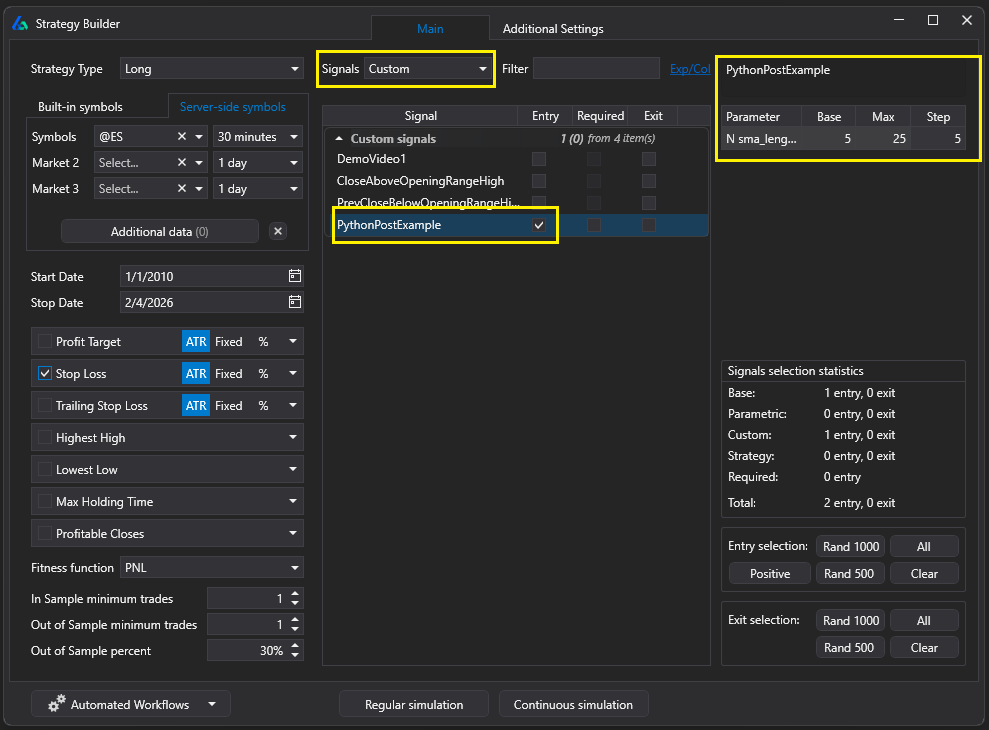
Creating a custom Python signal in TradeSupport Pro follows a straightforward process. Go to File → Custom Signals Editor, create a new Python signal, and TradeSupport Pro opens a template with pandas, ta-lib, scikit-learn, and other popular libraries pre-installed. You can always add additional libraries via pip. Write your signal logic — anything that outputs a time-aligned series (boolean or numeric) — and it integrates seamlessly into the generation engine.
To allow TradeSupport Pro to optimize your custom parameters, add them in the designated template section. The genetic algorithm will explore your parameter ranges alongside all other strategy components. For a complete walkthrough, see Using Python in TradeSupport Pro. For an introduction to creating the same signal in Excel, Python, and TradeSupport Pro, see Same Signal in Excel, Python, TradeSupport Pro.
What Makes the Best TradeSupport Pro Review?
Many tools can combine trading rules into code. The best TradeSupport Pro Review goes further — it must also answer the question every systematic trader needs answered: is this backtest real, or is it curve-fit noise?
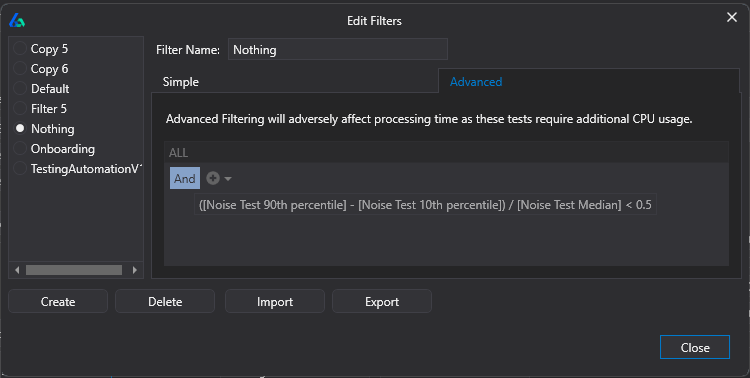
Here’s what separates a credible strategy builder from a backtest factory. First, the signal library matters — TradeSupport Pro’s 7,000+ built-in signals plus your custom Python signals create genuine combinatorial diversity. Second, the search engine matters — TradeSupport Pro’s genetic algorithm with ML overlay is more efficient than brute-force grid search and less prone to overfitting. Third — and most importantly — validation must be built into the workflow, not bolted on afterward. TradeSupport Pro’s automated filter workflows ensure that only strategies passing out-of-sample testing, Monte Carlo analysis, Noise Tests, and Vs Random benchmarking are ever promoted for export.
Genetic Algorithm + Python Signal Optimization
TradeSupport Pro’s backend uses a genetic algorithm with a machine learning overlay to efficiently explore the vast space of possible strategy combinations — including your custom Python signal parameters. You define the search constraints and the engine systematically generates, evaluates, and evolves candidates. Instead of manually looping through variations in slower Python code, you define constraints and let TradeSupport Pro’s C++ engine do the work.
The genetic algorithm produces a large candidate set of diverse strategies — not just a single “best” backtest — giving you the ability to compare, filter, and validate across multiple approaches. Your custom Python parameters are optimized alongside entry conditions, exit rules, filters, and risk management in a single integrated workflow.
Robustness Testing Without Writing More Code
This is where many Python-only workflows break down. Robustness testing is about evaluating whether a strategy is likely to survive across alternate market conditions — not just the historical path it was trained on. Generating multiple alternate “realities” via techniques like noise tests, Monte Carlo resampling, or parameter perturbations and re-trading a strategy across them is computationally expensive and time-consuming to build and maintain in pure Python.
TradeSupport Pro includes all of these tests built-in, plus out-of-sample validation, Walk Forward optimization, Vs Random benchmarking, and testing on synthetic data. All without writing additional Python infrastructure. Read here for more on Robustness Testing.
Exporting to Interactive Brokers & Other Platforms
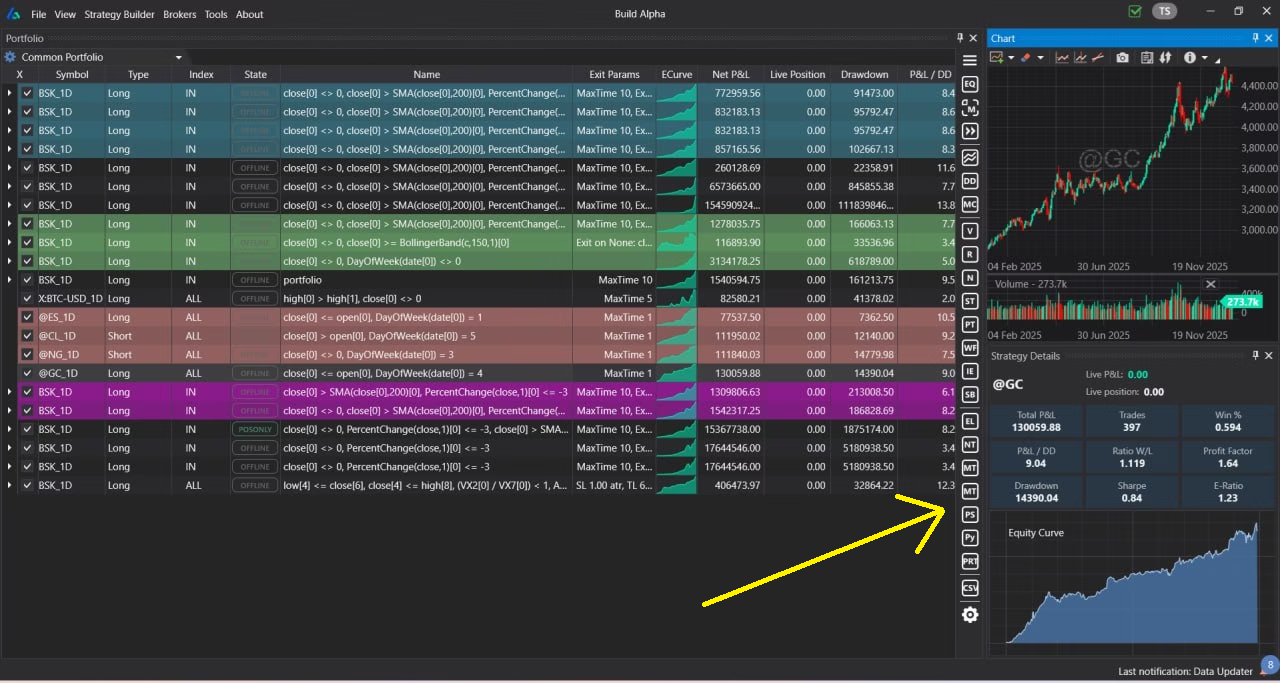
Once a strategy passes your validation rules, TradeSupport Pro generates Python code for Interactive Brokers at the click of a button. The generated code can run on an IB simulated account or live trading account. Once running, you can view orders inside Interactive Brokers’ Trader Workstation (TWS), monitor positions, and manage risk from a centralized interface.
TradeSupport Pro also generates code for TradeStation (EasyLanguage), MetaTrader 4/5 (MQL), MultiCharts (PowerLanguage), TradingView (Pine Script), NinjaTrader 8 (NinjaScript), and ProRealTime (ProBuilder) — so your research is never locked to a single platform.
Alternative Data & Non-Price Signals
TradeSupport Pro expands the research universe beyond what most Python traders typically access with alternative data signals including market breadth and internals, economic data and news events, Treasury yields and spreads, VIX term structure, weather data, Google Trends, COT report positioning, gamma exposure (GEX), dark pool index (DIX), and custom data imports via CSV/TXT.
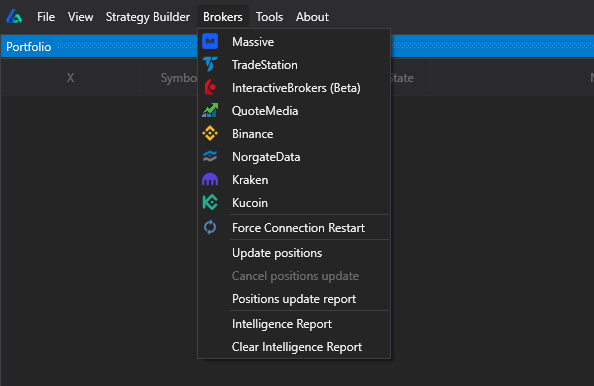
These non-price signals give context to your custom Python indicators and the 7,000+ built-in signals. TradeSupport Pro can connect directly to multiple broker data feeds for historical and live data, reducing the data wrangling overhead that consumes so much time in a pure Python workflow. All alternative signals can be traded live — not just used for research.
Portfolio Strategy Management
Single strategies are fragile. Portfolios of uncorrelated strategies are antifragile. TradeSupport Pro’s portfolio mode lets you combine multiple validated strategies into a single simulation using pooled (shared) capital, analyze correlation matrices, and optimize allocations across asset classes and timeframes. Each strategy can be exported independently — as Python for IB, EasyLanguage, MQL, or any other supported format — giving you a modular, scalable approach to systematic trading.
TradeSupport Pro also connects to live data feeds for strategy monitoring. Track real-time profit and loss, receive position change alerts, and monitor strategy health against Monte Carlo projection bands — all from a centralized dashboard. Read more: How to automate trading with no coding.


